 Moon Suite
Widgets
Clock: the time, in your time zone or another
The time, big enough to read from across the room. It keeps time on the TV itself, so it runs without the internet.
What it shows
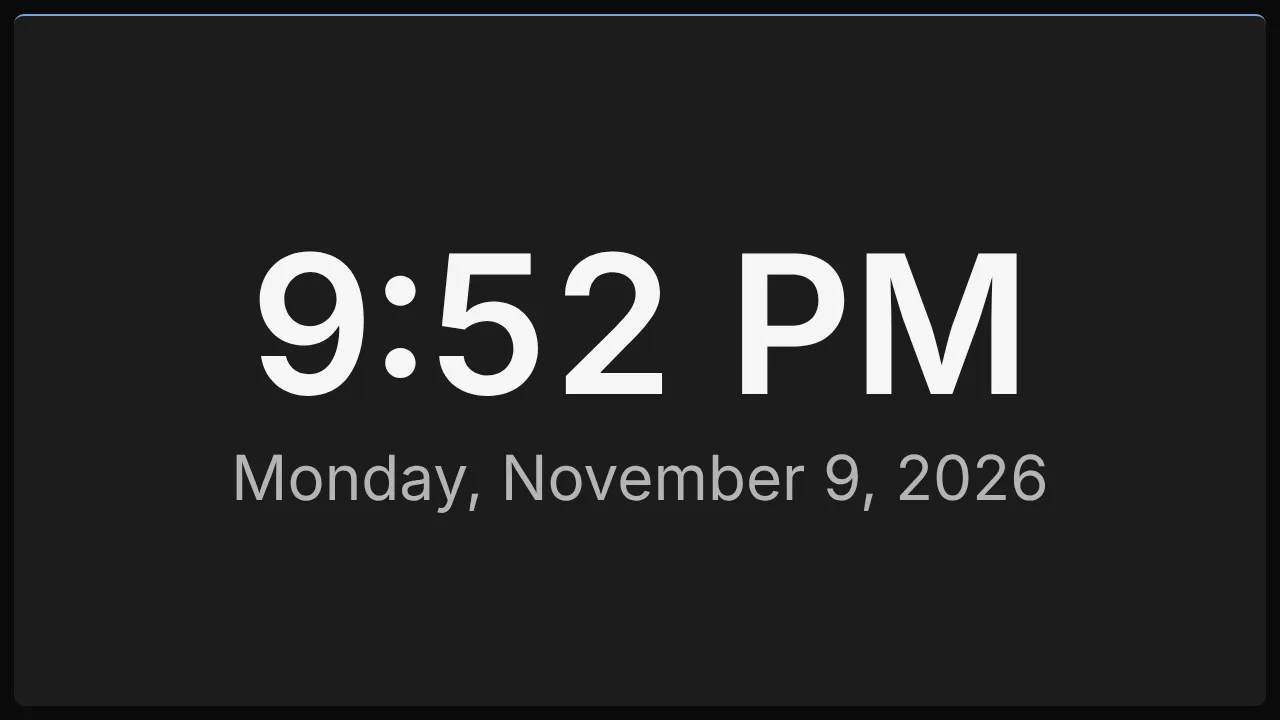
The current time, filling its widget. With Show the date on, the date sits under it. With a label, the label names the place, which helps when two clocks stand side by side.
Add it
Drag Clock from the Widgets list onto the grid, or tap an empty cell and pick it. Click it to open its settings: on a computer in the panel on the right, on a phone in a sheet from the bottom.
Settings
| Setting | What it does |
|---|---|
| 12-hour clock | On: 9:50 PM. Off: 21:50. On by default. |
| Show seconds | Adds the seconds. Off by default. |
| Time zone | A zone name such as Europe/London or America/Los_Angeles. Blank uses the TV’s own time. |
| Label | A line naming the place, such as “London”. |
| Show the date | The date under the time. |
Like every widget, it also has a Background colour. Text on it turns black or white to stay readable.
Good for
- A waiting room or counter, where people check the time before they ask.
- Several clocks for the offices or customers you work with in other time zones, each with a label.