 Moon Suite
Widgets
Date: today’s date, long or short
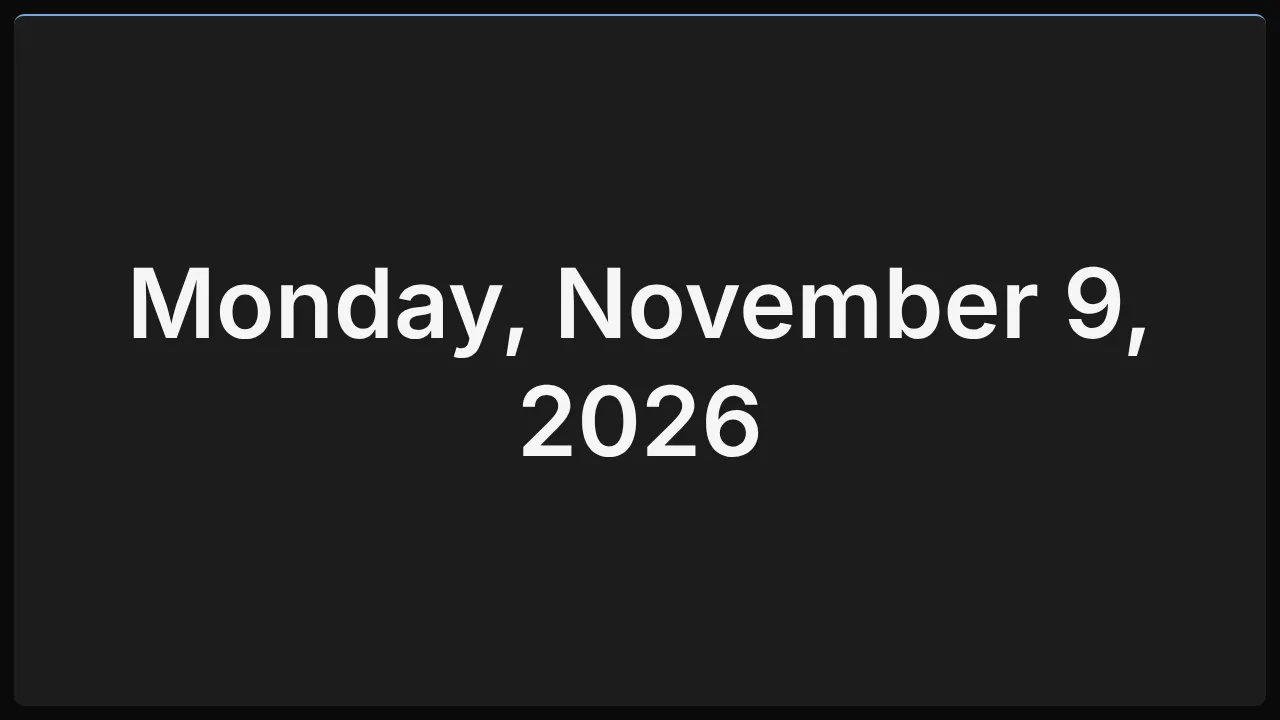
Today’s date on its own, for a screen that already has a clock or doesn’t need one.
What it shows
Today’s date, in the language and order the TV uses for dates. It turns over at midnight, in the TV’s time or the time zone you set.
Add it
Drag Date from the Widgets list onto the grid, or tap an empty cell and pick it. Click it to open its settings: on a computer in the panel on the right, on a phone in a sheet from the bottom.
Settings
| Setting | What it does |
|---|---|
| Format | long: Monday, November 9, 2026. short: Nov 9, 2026. weekday: Monday. |
| Time zone | A zone name such as America/Chicago. Blank uses the TV’s own time. |
Like every widget, it also has a Background colour. Text on it turns black or white to stay readable.