 Moon Suite
Widgets
Text: a heading and a message
The simplest widget: the words you type, large and readable. Most moons have at least one.
What it shows
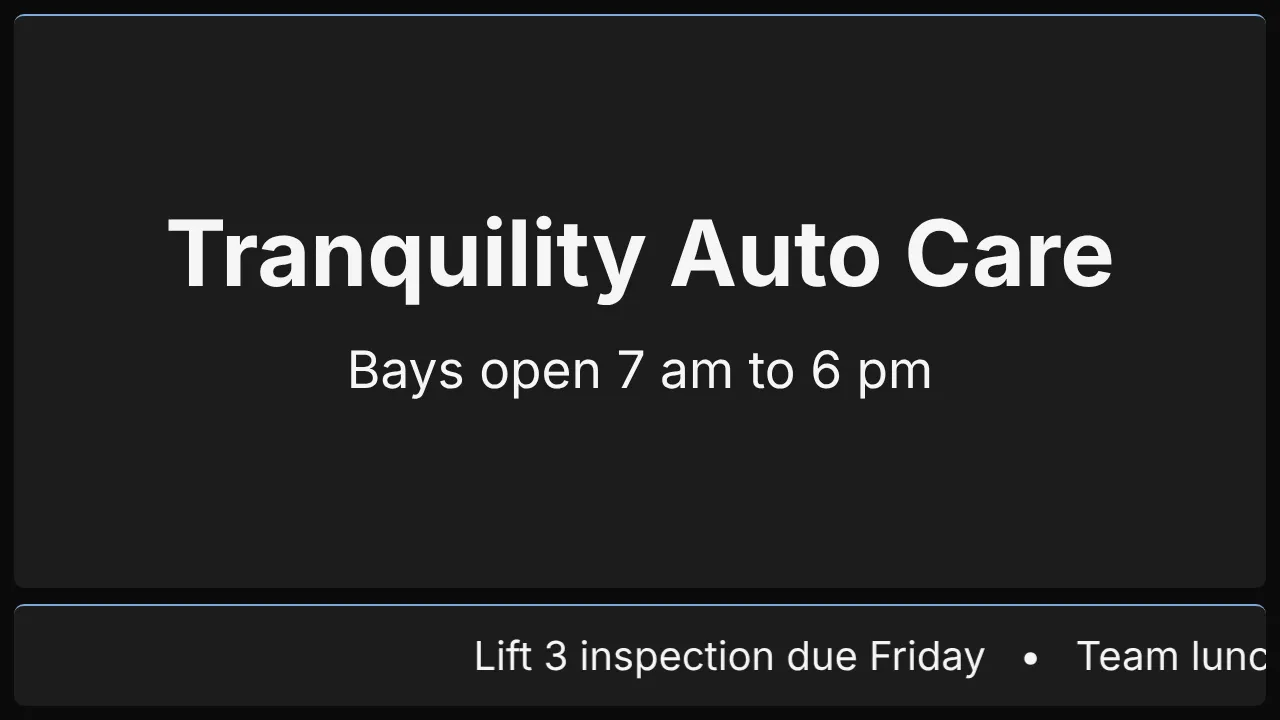
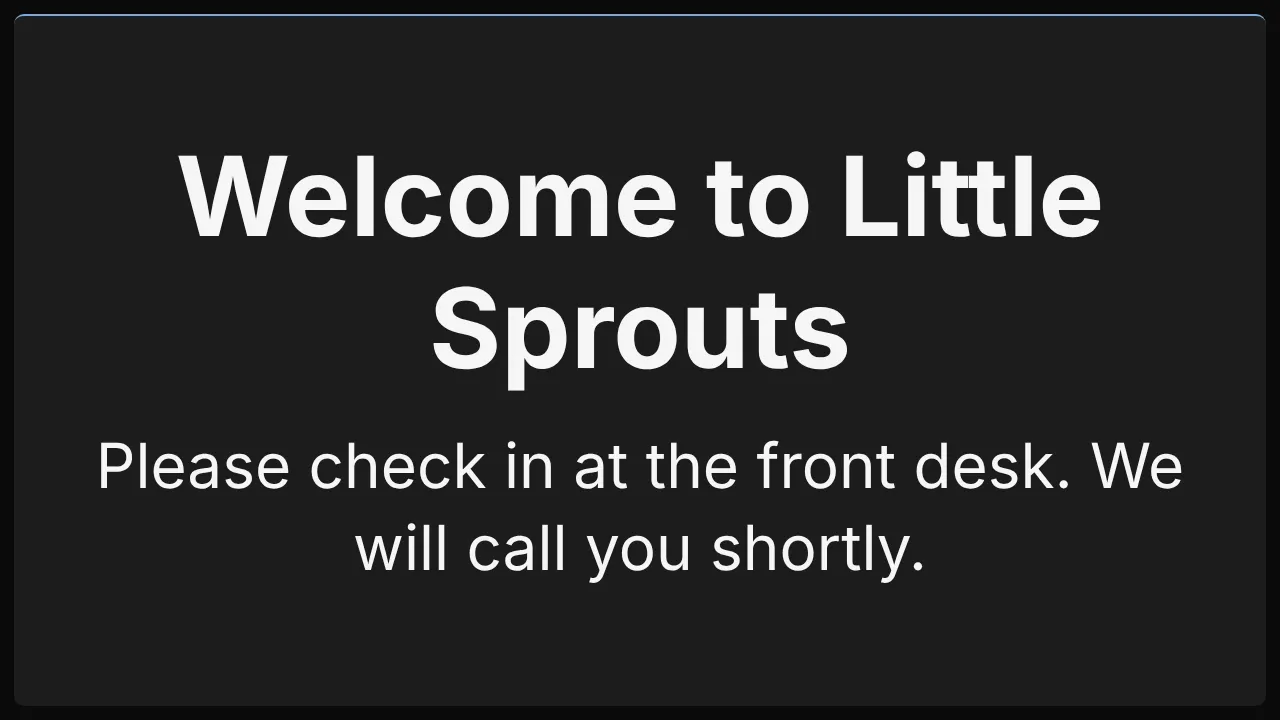
A heading in bold and a message under it, centred or aligned left. It is two cells wide when you add it, and you can drag it larger.
Add it
Drag Text from the Widgets list onto the grid, or tap an empty cell and pick it. Click it to open its settings: on a computer in the panel on the right, on a phone in a sheet from the bottom.
Settings
| Setting | What it does |
|---|---|
| Heading | The bold first line, such as “Welcome”. |
| Message | The text under it. A new line in the box is a new line on the TV. |
| Alignment | center or left. Left reads better for more than two lines. |
| Text size | small, medium or large, relative to the widget. |
Like every widget, it also has a Background colour. Text on it turns black or white to stay readable.
Good for
- A welcome with your check-in instructions.
- Wi-Fi details, opening hours, or house rules.
- A notice that changes often: edit it from your phone and every screen shows it within seconds.