 Moon Suite
Widgets
Image: one picture, with a caption
One picture, such as your logo, a poster or a photo of this week’s special.
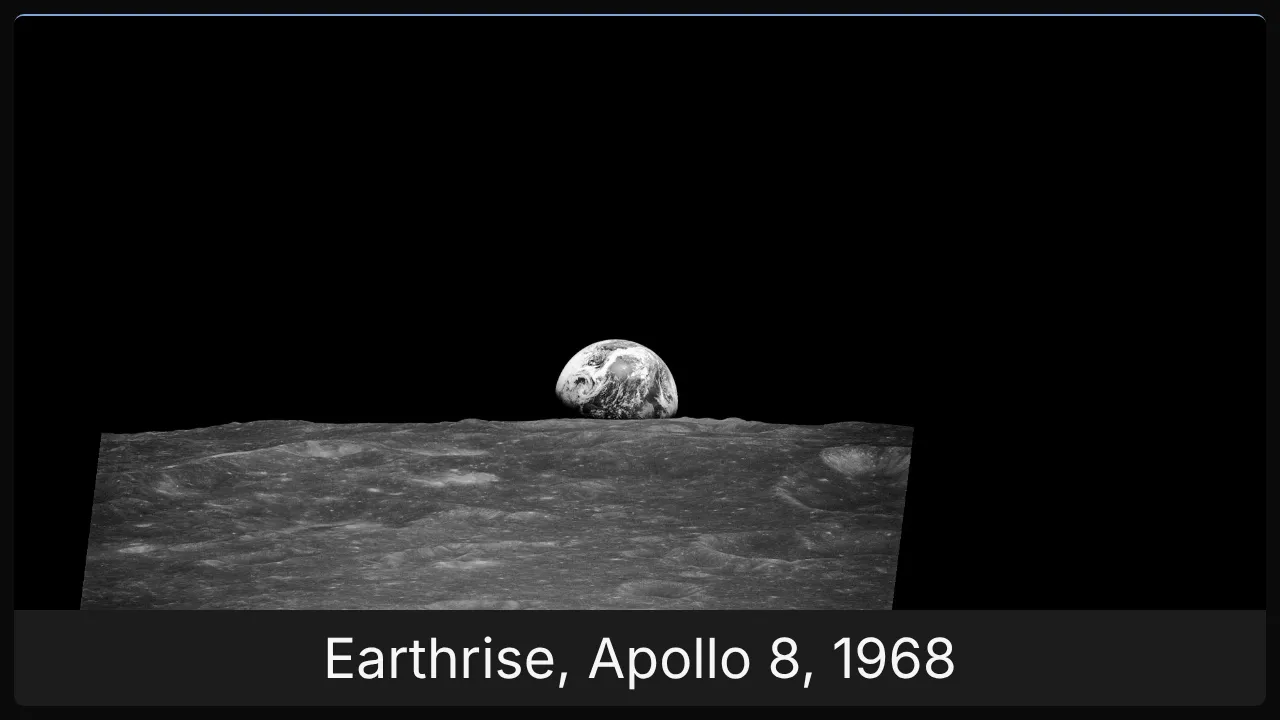
What it shows
One image, filling its widget, with an optional caption under it.
Add it
Drag Image from the Widgets list onto the grid, or tap an empty cell and pick it. Click it to open its settings: on a computer in the panel on the right, on a phone in a sheet from the bottom.
Settings
| Setting | What it does |
|---|---|
| Image | Switch between Upload to use a photo from your phone or computer and URL to paste a link to one. |
| Image fit | cover fills the widget and crops what doesn’t fit. contain shows the whole picture, with bars at the sides if the shapes differ. |
| Caption | A line of text under the picture. |
Like every widget, it also has a Background colour. Text on it turns black or white to stay readable.