 Moon Suite
Widgets
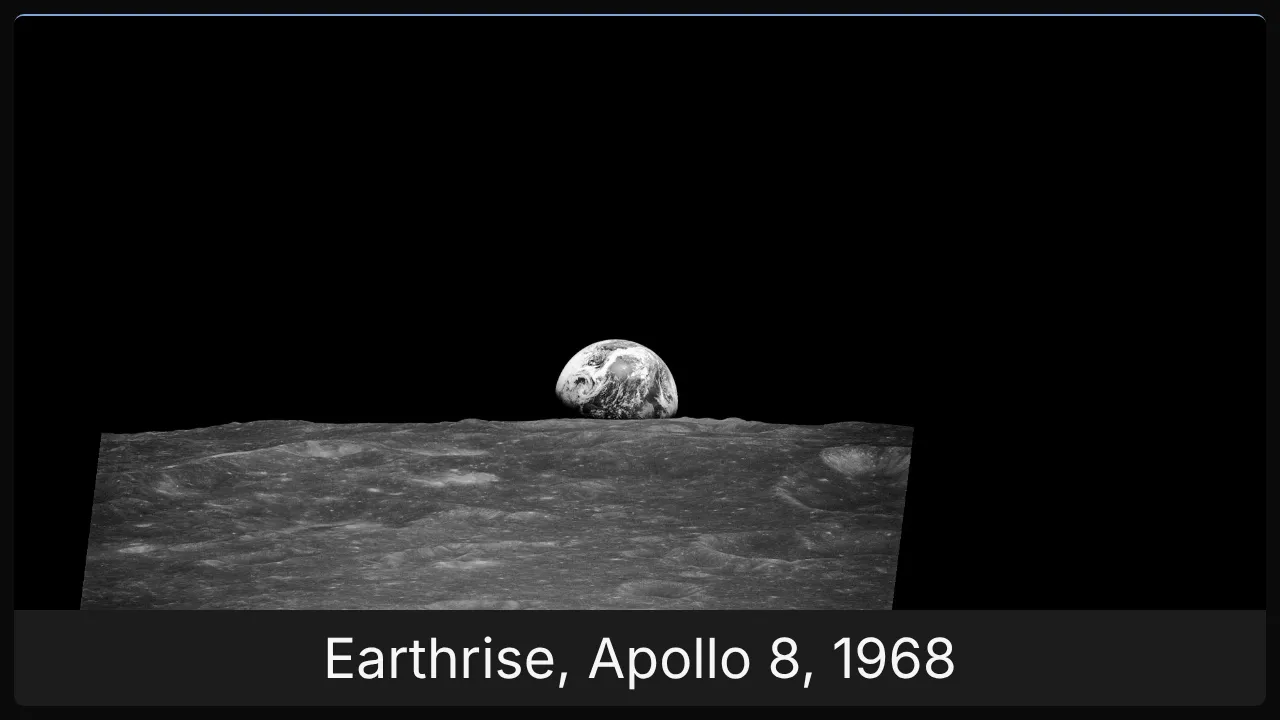
Slideshow: pictures that take turns
A row of pictures that take turns, for a gallery, a menu of photos, or a screen that should never look the same twice.

What it shows
One picture at a time, changing to the next after the seconds you set, then starting over. It is two cells by two when you add it.
Add it
Drag Slideshow from the Widgets list onto the grid, or tap an empty cell and pick it. Click it to open its settings: on a computer in the panel on the right, on a phone in a sheet from the bottom.
Settings
| Setting | What it does |
|---|---|
| Image URLs (one per line) | The pictures, in order. Paste a link on each line, or upload. |
| Seconds per slide | How long each picture stays up, 3 to 600. 10 by default. |
| Image fit | cover fills the widget and crops; contain shows each whole picture. |
Like every widget, it also has a Background colour. Text on it turns black or white to stay readable.