 Moon Suite
Build your own
Make your own widget for a TV dashboard
Jun builds small websites for shops in his neighborhood. When the coffee shop asked for a “cups poured today” counter on its menu TV, he wrote it as a web component in twenty lines.

A widget we didn’t make
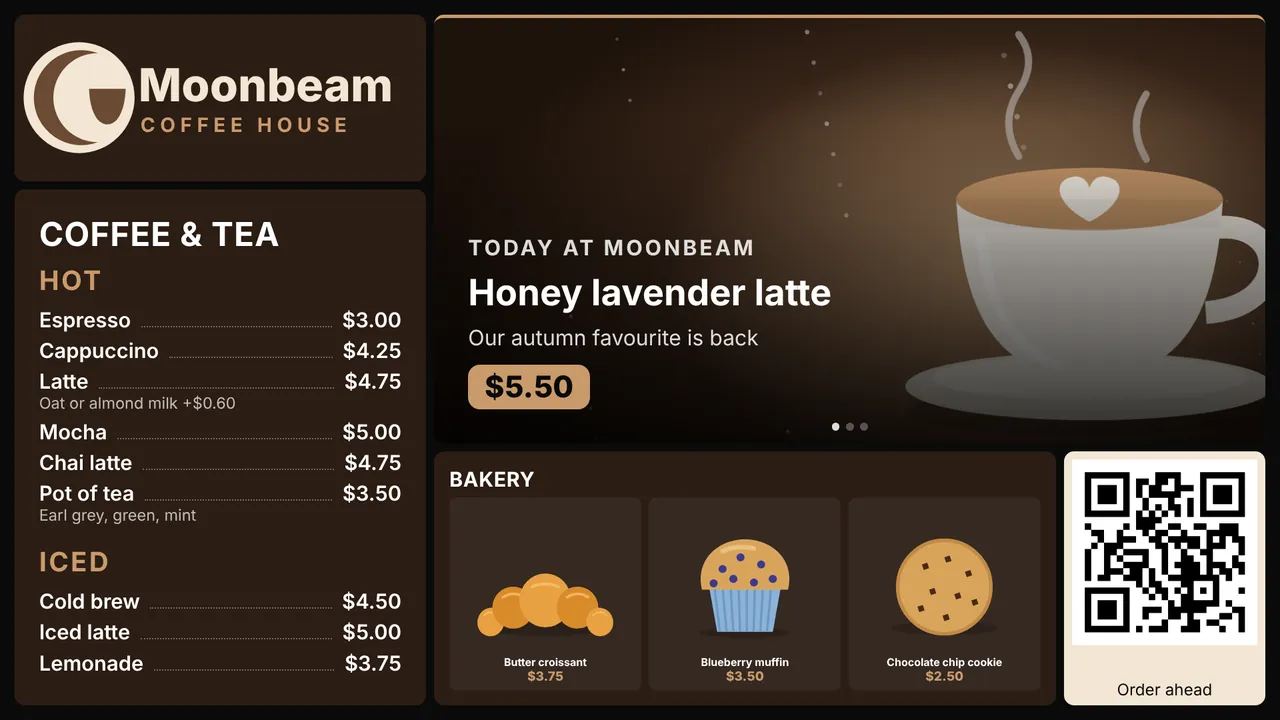
Moonbeam Coffee House already had its menu on the TV behind the bar. The owner wanted one more thing on it: a running count of cups poured today, from the coffee machine’s own web page. No built-in widget does that, and it shouldn’t.
Jun, who built the shop’s website, didn’t need us to. A moon can hold any web component, so he wrote one.
1. Write the element
A widget is a class that extends HTMLElement, registered under a name with a hyphen in it. This one shows a greeting and the time:
class HelloBoard extends HTMLElement {
  connectedCallback() {
    this.innerHTML = '<h1 style="margin:0;font-size:8vh"></h1><p style="font-size:5vh"></p>';
    this.tick();
    this.timer = setInterval(() => this.tick(), 1000);
  }
  disconnectedCallback() { clearInterval(this.timer); }
  tick() {
    this.querySelector('h1').textContent = 'Hello, ' + (this.getAttribute('name') || 'there');
    this.querySelector('p').textContent = new Date().toLocaleTimeString();
  }
}
customElements.define('hello-board', HelloBoard);
Size text by the screen, as above with vh, so it reads from across a room. The element fills the widget’s cell, and text is white by default.
2. Host the script
Put the file at a public https:// address: GitHub Pages, Netlify, a CDN or your own site. Your TVs fetch it directly, so it must load without signing in.
3. Add it to a moon
- In the editor, add a Custom widget from the widget list.
- Set Script URL to your file’s address.
- Set Element name to the name you registered, here
hello-board. It must be lowercase and contain a hyphen. - Under Attributes, add one
name=valueper line, such asname=Front desk. Your element reads them withgetAttribute.
The preview updates as you type, and your paired screens show the change within moments.
How it runs
- In a sandbox. The element runs in its own frame without access to the rest of the page, so a script can’t read your Moon Suite account. Attributes whose names start with
onare dropped. - Live data. If the screen has live data for the widget, it arrives as the element’s
liveproperty. Define a setter forliveto redraw when it changes. - Fetching data. Your script can call public APIs with
fetch. Because the frame has no origin of its own, the API must allow requests from any origin.
It’s the same custom element I’d write for a website. The only new part was sizing everything in vh.
Make it work on older TVs
Moon Suite supports TVs from 2018 onward. LG’s 2018 models run a Chromium 53 browser, which predates built-in custom elements. To reach those screens:
- Load the custom elements polyfill before your class, for example by bundling it into your file.
- Avoid CSS grid,
gapon flexbox,aspect-ratioand?.or??in the shipped file, or compile it for Chrome 53 with a bundler.
About the story. The people and businesses in these guides are made up. They show how we expect a moon to be used, not the experience of real customers.

