 Moon Suite
Widgets
Now serving: a queue number you change from a phone
A big number for a counter or clinic, called out from a phone instead of a ticket machine.
What it shows
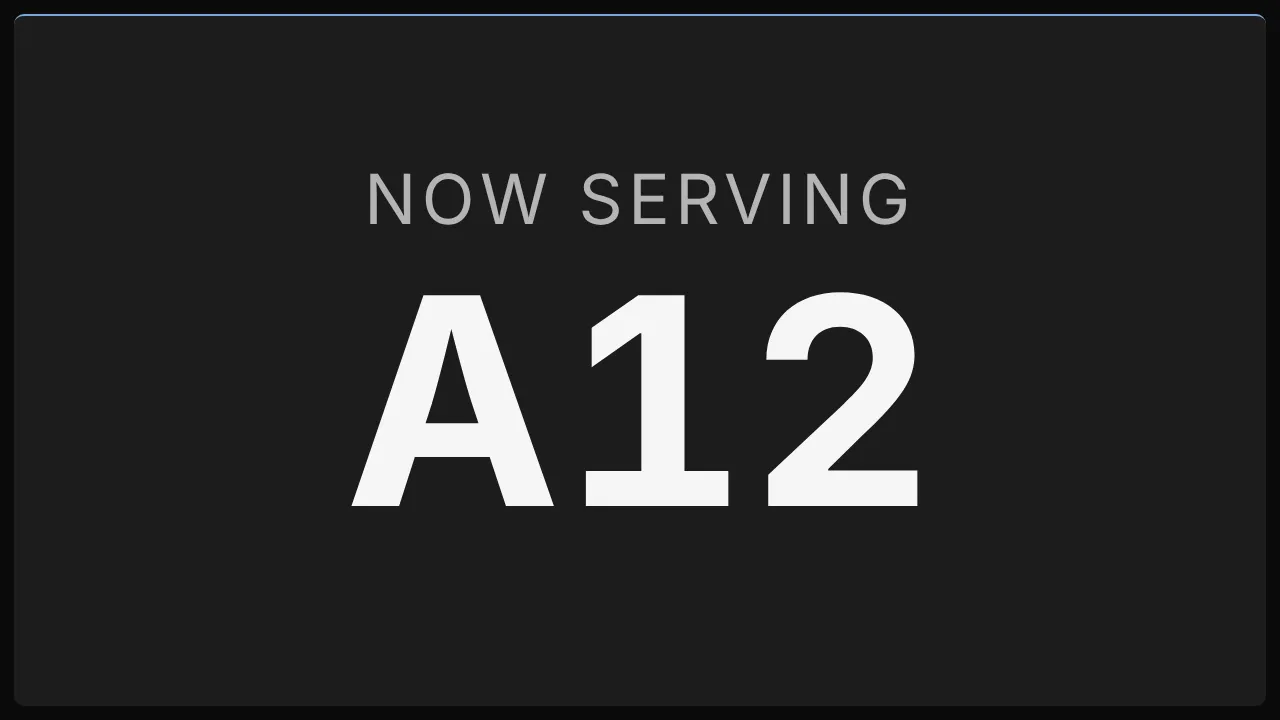
The label, “Now serving” unless you change it, over the current number in large figures, with your prefix: A12.
Add it
Drag Now serving from the Widgets list onto the grid, or tap an empty cell and pick it. Click it to open its settings: on a computer in the panel on the right, on a phone in a sheet from the bottom.
Settings
| Setting | What it does |
|---|---|
| Label | The line over the number. “Now serving” by default. |
| Prefix | Letters before the number, such as “A”. |
Like every widget, it also has a Background colour. Text on it turns black or white to stay readable.
Call the next number
The number isn’t set in the editor. It’s moved in Data:
- On a phone, open
moonsuite.live/data/and sign in. Every Now serving widget and job board on your moons is listed by name. - Tap Next to call the next number, or Back to go back one.
- Tap Reset to start again from 0, at the start of the day.