 Moon Suite
Widgets
QR code: a link people scan from the screen
A link people can take home. They point a phone at the screen and it opens your menu, booking page or survey.
What it shows
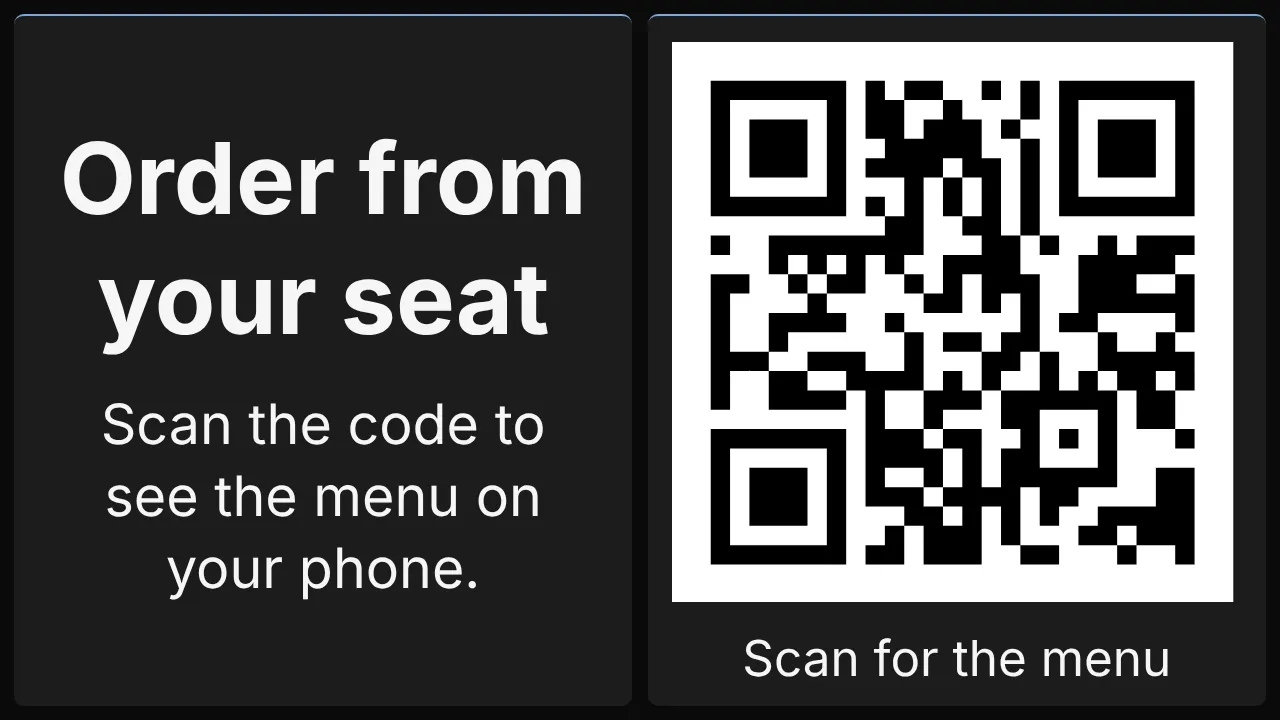
A black-and-white QR code on a white square, sized to its widget, with your caption under it.
Add it
Drag QR code from the Widgets list onto the grid, or tap an empty cell and pick it. Click it to open its settings: on a computer in the panel on the right, on a phone in a sheet from the bottom.
Settings
| Setting | What it does |
|---|---|
| Link | The address it opens, starting with https://. |
| Caption | A line under the code, saying what scanning it does. |
Like every widget, it also has a Background colour. Text on it turns black or white to stay readable.