 Moon Suite
Signage, plainly
Your TV is already a sign. Stop swapping USB sticks.
Marisol’s counter TV showed a slideshow from a USB stick. Every new price meant a laptop, a stick and a stepladder. Now she changes it from her phone, standing at the till.

The stick behind the TV
Moonbeam Coffee House has one TV above the counter. For two years it showed a slideshow of photos from a USB stick: the drinks, the pastries, a picture of the patio. Marisol made the photos on her phone, copied them to her laptop, then to the stick, then climbed onto a stool to plug it into the back of the TV.
It worked, until anything changed. A new price meant a new photo, a new copy, and the stool again. The seasonal drink stayed up a month after it sold out. Twice the TV forgot the slideshow after a power cut and sat on its home screen all morning.
The photos were nice. Updating them was the job nobody wanted, me included.
What the stick couldn’t do
A USB slideshow is a folder of pictures played in order. That’s all it can be. It can’t:
- Change without a visit. Every edit means someone at the TV with the stick.
- Show text you can edit. A price is part of a picture, so a new price is a new picture.
- Show anything live. No clock, no weather, no “today’s special” that changes by itself.
- Change by time of day. Breakfast photos show at four in the afternoon.
From stick to moon
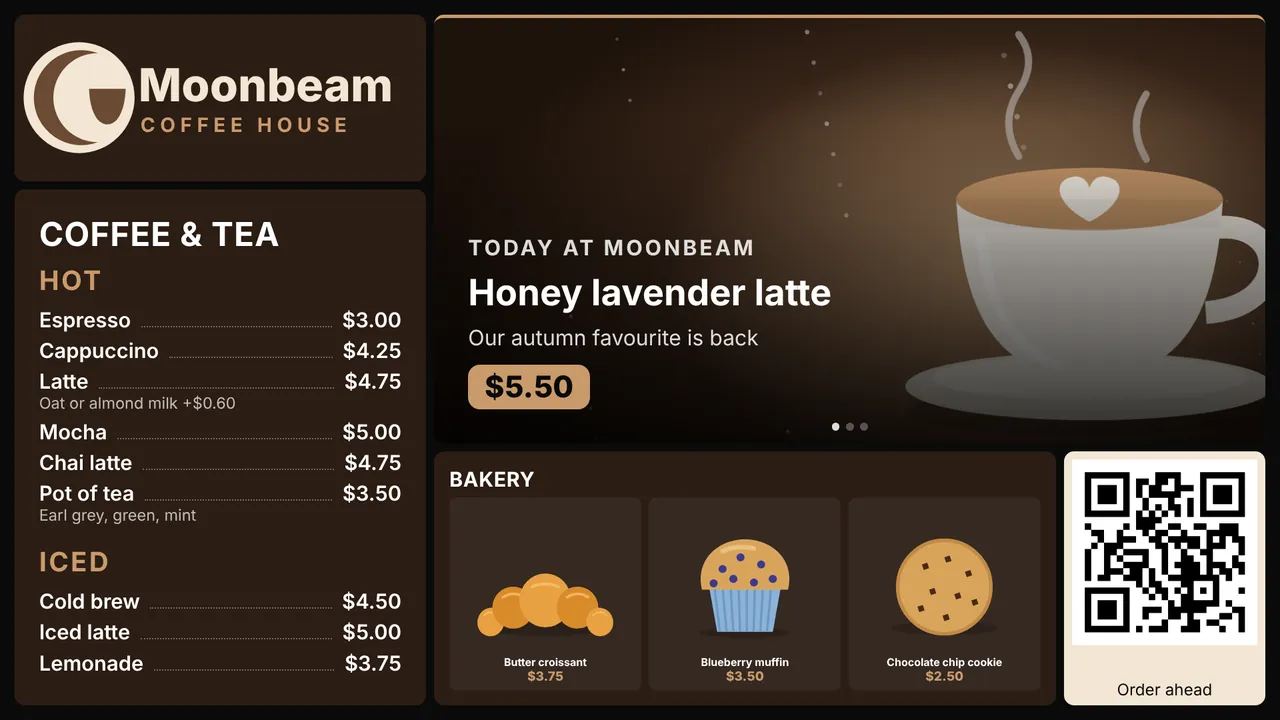
Marisol signed in at moonsuite.live and answered three questions: what kind of place, its name, its colours. Setup picked the Coffee shop template and put her name and logo on it. It came with a drinks list, a rotating banner for the feature drink, a photo menu for the bakery case and a QR code for ordering ahead.
She typed her own drinks and prices into the list, and added her pastry photos straight from her phone’s camera roll. The photos she had on the stick went into a Slideshow widget, so the patio picture still has its turn.
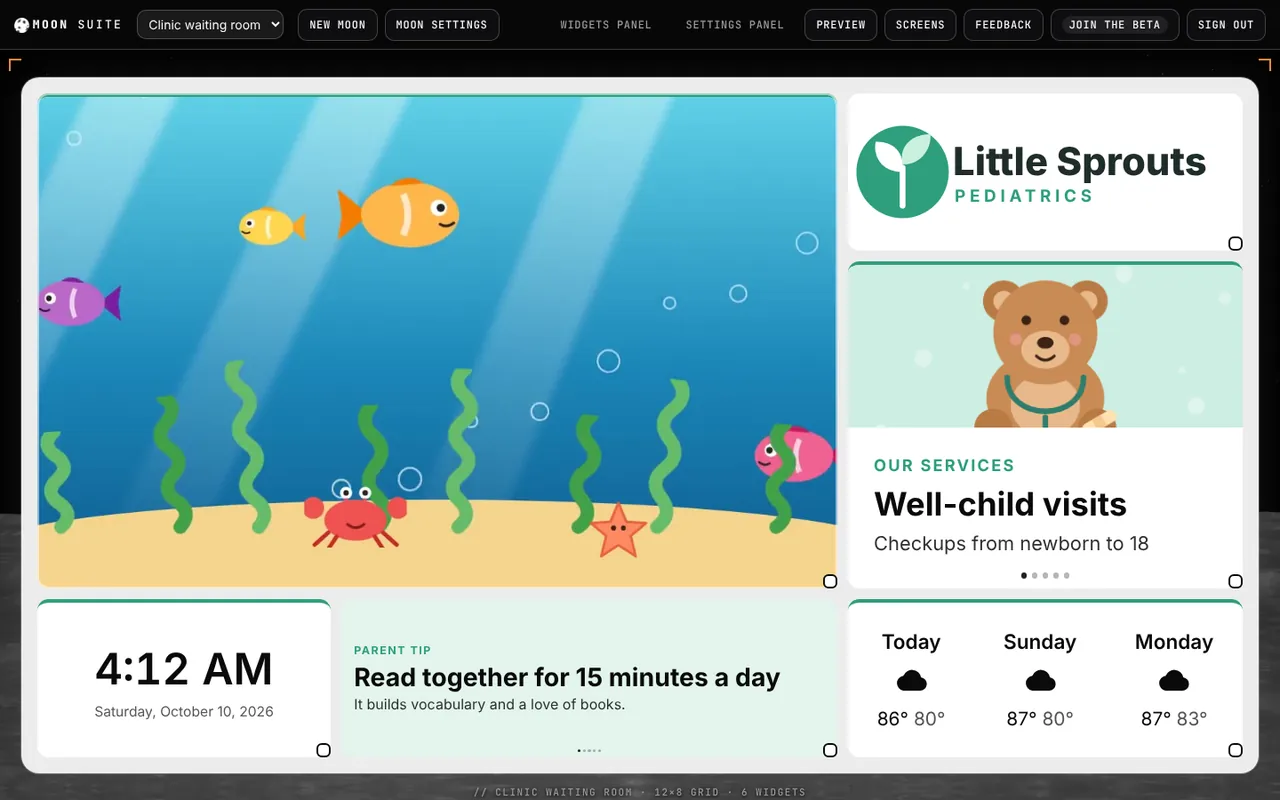
Then she opened the TV’s web browser, went to moonsuite.live/tv/, and typed the code it showed into Screens on her phone. The TV switched to her moon within a second. The USB stick went in a drawer.
Changing a price now
A price change is now a tap on the drinks list, a new number and done. It’s on the TV about a second later, while the customer who asked is still standing there.
- A feature that sold out comes off the rotating banner in two taps.
- Morning and afternoon can be two moons on a schedule, so pastries show until noon and the iced drinks after.
- After a power cut, once the browser is open again the TV starts from the moon it kept, even before the internet is back. See what your screen does when the Wi-Fi drops.
About the story. The people and businesses in these guides are made up. They show how we expect a moon to be used, not the experience of real customers.


